GPT Image 2.5 Sunburst
Create and edit images from text and image inputs. Choose Sunburst when editing precision matters most.
Read OpenAI’s Sunburst documentationTwo models, two creative priorities. Choose precise editing or fast everyday image generation.
Create and edit images from text and image inputs. Choose Sunburst when editing precision matters most.
Read OpenAI’s Sunburst documentationGenerate high-quality everyday images quickly. Flare accepts text and image inputs and produces image outputs.
Read OpenAI’s Flare documentationModel information checked against OpenAI’s official documentation on September 12, 2026.
Explore a broad creative model library, generate images and short videos, train custom LoRAs, and refine visual ideas with more control over style and consistency.
IMAGE · VIDEO · CREATE · DELIVER
FREE CREATION STUDIO · NO SIGN-UP
Generate an image or video without leaving the homepage. Switch tools at any time; the selected generator loads in the full-height workspace below.
Loading the free image generator…
The full creative workspace will appear here.SeaArt AI is built for visual exploration. Choose a suitable model, add lawful references, adjust generation controls, and carry an approved look into variations, LoRAs, or animation.
SeaArt uses Stamina and Credits, and the official mall states that costs and availability depend on the live model and plan. Rights can also differ by model or uploaded resource, so check current terms before commercial use.
Visit the official SeaArt AI site ↗Write the creative intent and rights constraints before browsing styles.
Select a model or workflow that matches the subject and output format.
Use original or authorized references and document their source.
Generate a controlled batch with one variable changed at a time.
Refine composition, identity and fine details before adding motion.
Record model, prompt, seed and license context with the final asset.
An image foundation model oriented toward aesthetic range, moodboards and creative control.
Explore Krea 2 →AI video generatorA recent model family listed for text-to-video, image-to-video and reference-to-video workflows.
Explore Wan 3.0 →AI video generatorByteDance's multimodal video release for flexible references, editing, extension and clips up to 30 seconds.
Explore Seedance 2.5 →AI image generatorA recent image generation and editing option for prompt-led creation and iterative correction.
Explore Qwen-Image 2.0 →AI video generatorA recent open-weights video option described with text, image and reference inputs plus native stereo audio.
Explore MiniMax H3 →A detailed guide to exploring a broad community model library while protecting source discipline, creative ownership, and repeatability.
Read the complete article →FEATURES & WORKFLOWS
Start with the brand feature you need—Sono video, ComfyUI, community models or mobile edit—then open the guide that explains inputs, rights and quality checks.
Worth free experiments for stylized art; paid plans need extra billing caution.
Open the relevant guide →A source-linked definition of SeaArt as a creator ecosystem for images, Sono video, ComfyUI and mobile edit.
Open the relevant guide →Compare Sono Epic, Wave and Opera video routes with a fixed motion brief and continuity scorecard.
Open the relevant guide →Understand the 19 August 2026 ComfyUI additions and keep a rights-aware node recipe.
Open the relevant guide →Evaluate community checkpoints and LoRAs before remixing—lineage, rights and controlled bake-offs.
Open the relevant guide →Long-form 2026-09-17 notes on community models, Sono takes, stamina burn and rights.
Open the relevant guide →Long-form notes on Sono videos, ComfyUI, mobile edit and stamina discipline.
Open the relevant guide →Choose a model and prompt structure based on subject, style, composition, references and output rights.
Open the relevant guide →Plan image-to-video or text-led motion with a clear first frame, action, camera and duration.
Open the relevant guide →Understand stamina, credits, promotions and paid access before estimating repeatable generation capacity.
Open the relevant guide →Estimate Stamina and credit burn per approved image or video without relying on stale plan tables.
Open the relevant guide →Prepare consented data, document provenance and review identity, style and distribution risks.
Open the relevant guide →POPULAR QUESTIONS
Worth free experiments for stylized art; paid plans need extra billing caution.
Read the supporting page →SeaArt AI is a creator ecosystem for image generation, video experiments, model discovery and LoRA training. Confirm live modules on the official site.
Read the supporting page →Sono is SeaArt’s 2026 video-model family with Epic, Wave and Opera routes. Verify duration, audio and credits in the live product.
Read the supporting page →Not automatically. Record creator, license notes and intended use before remixing. Popularity is not a commercial license.
Read the supporting page →SeaArt’s 19 August 2026 updates add ComfyUI-oriented workflow support. Confirm hosted nodes and plan gates on seaart.ai.
Read the supporting page →SeaArt uses access and credit systems that can change. Confirm current stamina, credits and plan limits on the official site.
Read the supporting page →SeaArt credit and Stamina use can vary by model, tool and settings. Estimate cost per approved asset and verify the live mall before paying.
Read the supporting page →Its official product covers AI image generation and video-oriented workflows. Model availability and limits vary.
Read the supporting page →Features, access, and plan terms can change. Confirm important details on the official SeaArt AI website before starting a paid project. Brand names belong to their respective owners. This site is an independent guide and is not affiliated with SeaArt.
EXPANDED AI MODEL LIBRARY · AUGUST 2026
Practical introductions to AI image generation, AI video generator and image-to-video systems, with one detailed page for every model.
Cinematic text-to-video, image-to-video and video editing with native synchronized audio.
Open model guide →MiniMax · AI video generatorOpen-weights audiovisual generation with text, first/last frames and multimodal references.
Open model guide →Alibaba · AI video generatorLonger multimodal video generation with flexible duration, references, audio and continuity controls.
Open model guide →Black Forest Labs · Multimodal generatorEarly-access multimodal model direction spanning video, image, synchronized audio and action prediction.
Open model guide →Krea · AI image generatorAesthetic image foundation model designed for expressive generation and creative control.
Open model guide →Alibaba Qwen · AI image generatorCurrent Qwen image family for prompt-led generation, editing and visually precise iteration.
Open model guide →ByteDance Seed · AI image generatorByteDance Seed's July 2026 image model for stronger image-text alignment, structural coherence, text rendering, visual aesthetics, and complex information visualization.
Open model guide →ByteDance · AI image generatorProduction image generation and editing model for detailed prompts and controlled visual revisions.
Open model guide →ByteDance · AI image generatorEarlier Seedream image model useful for comparing prompt interpretation, style and editing progress across releases.
Open model guide →OpenAI · AI image generatorNatural-language image generation and multi-reference editing for precise creative revision.
Open model guide →Google · AI image generatorFast Gemini image generation and editing with high-resolution output and localization features.
Open model guide →Google · AI image generatorHigher-detail Gemini image route focused on 4K-capable generation and editing.
Open model guide →SeaArt AI · CREATIVE WORKFLOW
An imaginary harbor can become a coherent art series when its geography, buildings and recurring colors follow a deliberate plan. Decide which visual relationships identify the place before generating individual scenes. A foggy arrival, a market at noon and a quiet departure can then feel like different moments in the same world.
Use references to explain a specific role such as composition, material or palette. Write original scene briefs and track which details must recur. When reviewing the series, look beyond the strongest standalone image and check whether each piece contributes something distinct to the overall setting.
Change the narrative purpose or viewpoint of each piece while preserving a small number of world-building anchors. New subject matter should add meaning to the series.
Explain exactly what to learn from the reference, such as soft edges or a restrained palette. Keep your own subject, composition and distinctive design choices clear.
THE CREATIVE NOTEBOOK
Explore a focused tutorial, a practical prompt guide and a real-world planning exercise. Each guide includes an original brief and a checklist for reviewing your result.
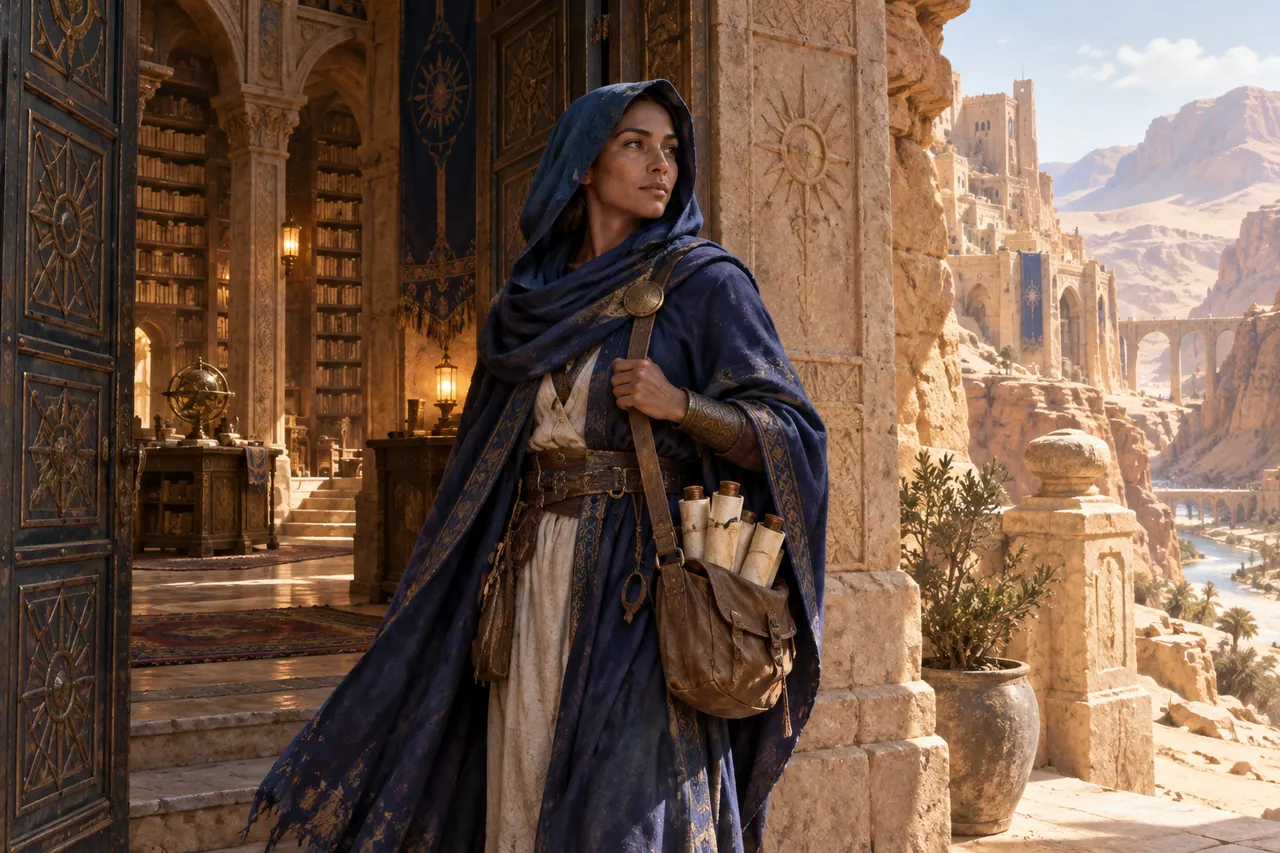
NEW CREATIVE GUIDE
An original desert librarian: explore two original concept images, prompts and a practical production brief.
Explore the SeaArt AI creative guide →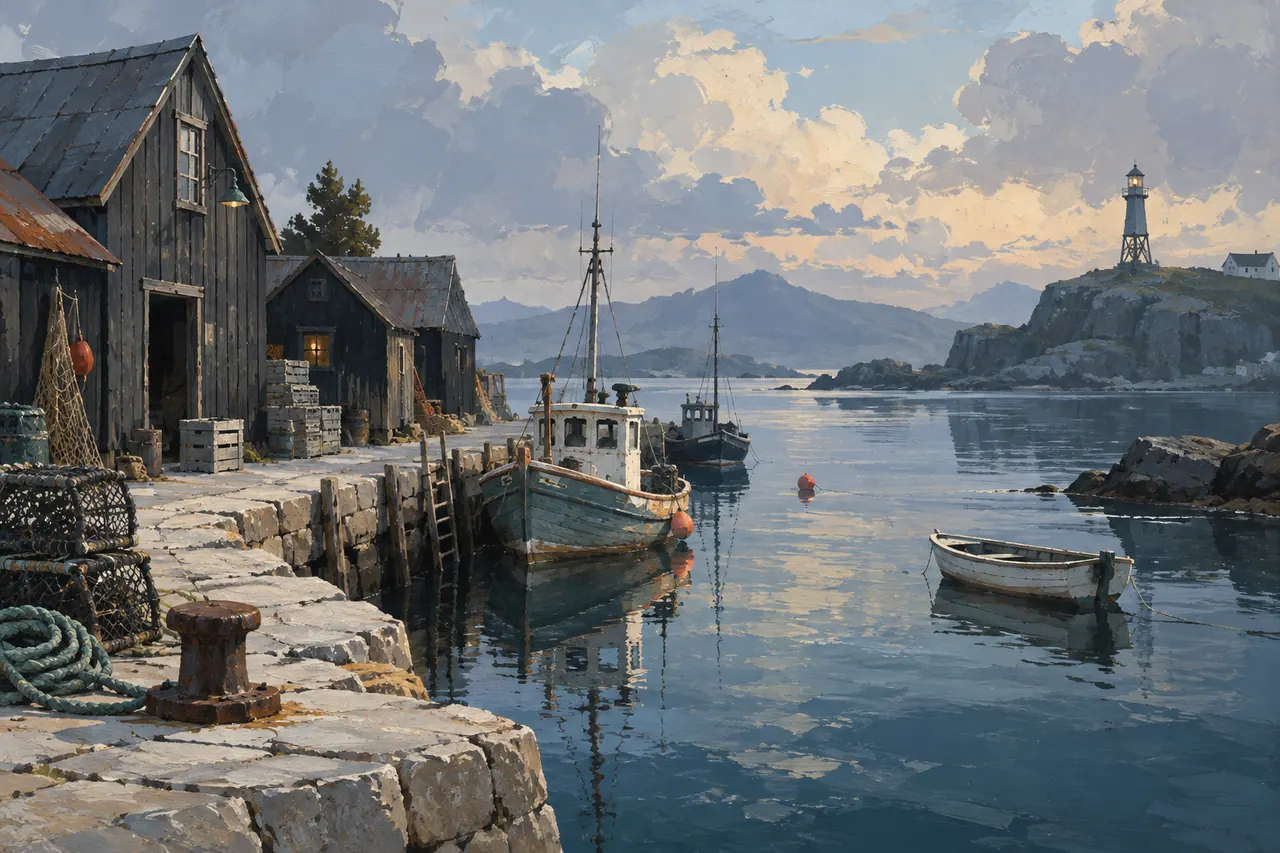
NEW IN THE JOURNAL
Design a SeaArt AI art series around an imaginary harbor, developing style references, prompt variations, visual continuity and a coherent portfolio.
Read the complete guide →